Before we explore the specifics of version v710, it is crucial to understand what QCFire is. QCFire is a specialized Windows-based software tool designed primarily for devices running on Qualcomm (QDART) chipsets. Unlike generic flashing tools that often fail due to driver conflicts or signature mismatches, QCFire operates at a low level, communicating directly with the device’s Firehose programmers.
The tool is famous for:
Step 1: Driver Preparation
Step 2: Extract the Exclusive Package
Step 3: Run as Administrator
Step 4: Activation
In the fast-paced world of mobile device repair, efficiency is king. Technicians and hobbyists alike are constantly searching for that one piece of software that can do it all—bypass locks, flash firmware, repair IMEI, and remove FRP (Factory Reset Protection). Enter the QCFire Tool. ultimate multi tool qcfire v710 download exclusive
With the release of version 710, the conversation has shifted. We are no longer talking about a simple flashing box; we are discussing an ecosystem. Securing the ultimate multi tool QCFire v710 download exclusive is no longer just a luxury for professional repair shops—it is a necessity for anyone serious about Qualcomm-based device management.
This article dives deep into what makes v710 the "ultimate" update, why exclusivity matters, and how to safely acquire and utilize this powerful software.
The v7.10 changelog is massive, but here are the standout features that truly matter: Before we explore the specifics of version v710,
Before we dissect version 710, let’s revisit the foundation. QCFire is a Windows-based utility program designed specifically for devices running Qualcomm Snapdragon processors (the majority of Android devices from brands like Samsung, Xiaomi, OnePlus, LG, and Motorola).
Unlike traditional "box" tools (such as Octopus or Z3X), QCFire operates primarily via USB debugging or EDL (Emergency Download Mode). It bridges the gap between factory-level engineering requirements and user-friendly repair interfaces.
Even with the ultimate tool, things can go wrong. Here are fixes for the most frequent issues: Step 2: Extract the Exclusive Package
| Error Message | Likely Cause | Solution |
| :--- | :--- | :--- |
| "Sahara Failed" | Wrong Firehose loader | Manually select a loader from the Loaders_v710 folder |
| "Cannot open COM port" | Driver conflict or device busy | Use Zadig to replace the driver with WinUSB or restart PC |
| "QCN write failed at 22%" | Partition locked or encryption enabled | Reboot device to recovery, wipe metadata, then retry |
| "Licence Expired" | Using a beta or time-coded version | The exclusive v710 will not show this; if it does, you have a fake |
Before we explore the specifics of version v710, it is crucial to understand what QCFire is. QCFire is a specialized Windows-based software tool designed primarily for devices running on Qualcomm (QDART) chipsets. Unlike generic flashing tools that often fail due to driver conflicts or signature mismatches, QCFire operates at a low level, communicating directly with the device’s Firehose programmers.
The tool is famous for:
Step 1: Driver Preparation
Step 2: Extract the Exclusive Package
Step 3: Run as Administrator
Step 4: Activation
In the fast-paced world of mobile device repair, efficiency is king. Technicians and hobbyists alike are constantly searching for that one piece of software that can do it all—bypass locks, flash firmware, repair IMEI, and remove FRP (Factory Reset Protection). Enter the QCFire Tool.
With the release of version 710, the conversation has shifted. We are no longer talking about a simple flashing box; we are discussing an ecosystem. Securing the ultimate multi tool QCFire v710 download exclusive is no longer just a luxury for professional repair shops—it is a necessity for anyone serious about Qualcomm-based device management.
This article dives deep into what makes v710 the "ultimate" update, why exclusivity matters, and how to safely acquire and utilize this powerful software.
The v7.10 changelog is massive, but here are the standout features that truly matter:
Before we dissect version 710, let’s revisit the foundation. QCFire is a Windows-based utility program designed specifically for devices running Qualcomm Snapdragon processors (the majority of Android devices from brands like Samsung, Xiaomi, OnePlus, LG, and Motorola).
Unlike traditional "box" tools (such as Octopus or Z3X), QCFire operates primarily via USB debugging or EDL (Emergency Download Mode). It bridges the gap between factory-level engineering requirements and user-friendly repair interfaces.
Even with the ultimate tool, things can go wrong. Here are fixes for the most frequent issues:
| Error Message | Likely Cause | Solution |
| :--- | :--- | :--- |
| "Sahara Failed" | Wrong Firehose loader | Manually select a loader from the Loaders_v710 folder |
| "Cannot open COM port" | Driver conflict or device busy | Use Zadig to replace the driver with WinUSB or restart PC |
| "QCN write failed at 22%" | Partition locked or encryption enabled | Reboot device to recovery, wipe metadata, then retry |
| "Licence Expired" | Using a beta or time-coded version | The exclusive v710 will not show this; if it does, you have a fake |

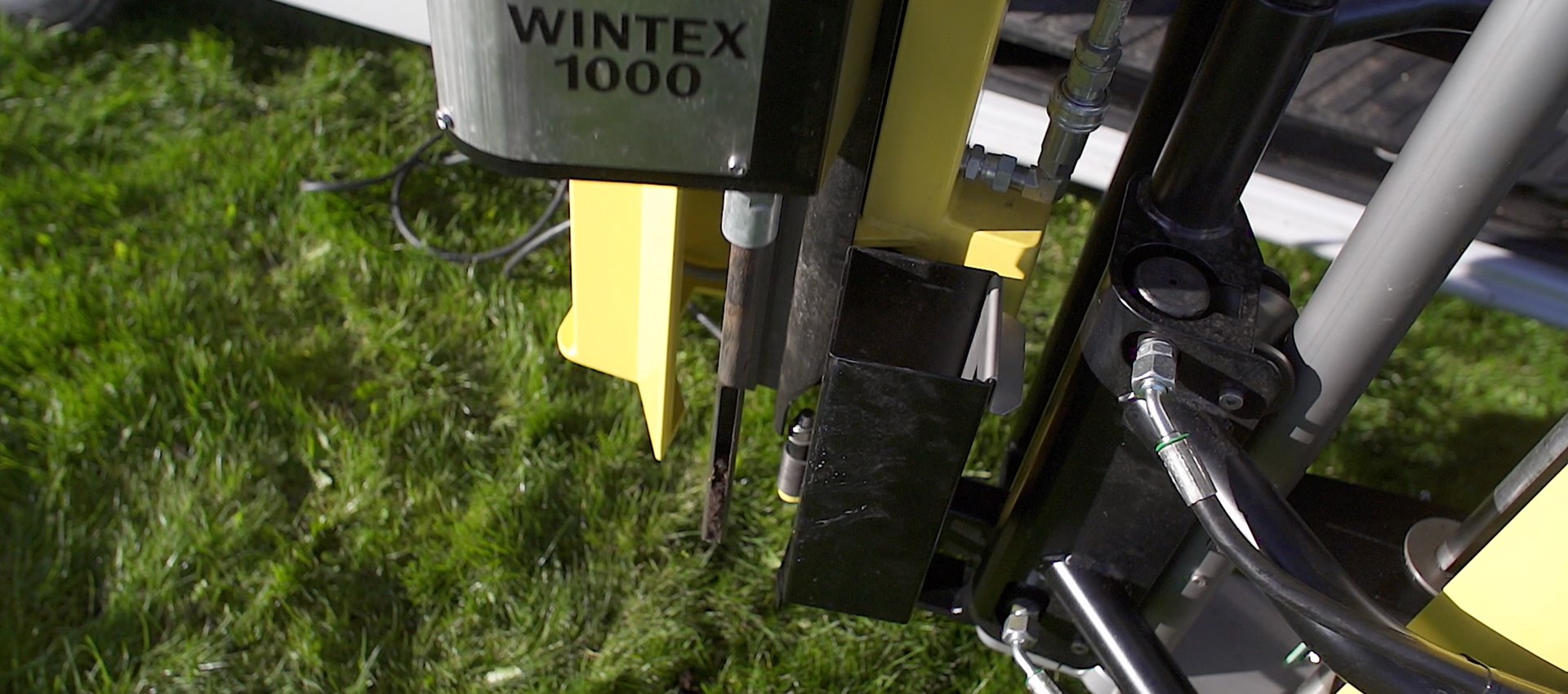
Our technology and equipment is designed for taking soil samples in all depths. Because precision and thoroughness matters and is a claim at all levels of soil analysis. We are going down into the depth – if necessary down to 200 cm. Simply as deep as necessary.
The owner of Wintex Agro is Torben Vinther who is educated and examined in agriculture and the cultivation of plants. With his outstanding know-how and great experience within precision farming and farming in general, he has specialized in developing and manufacturing automatic soil samplers.