


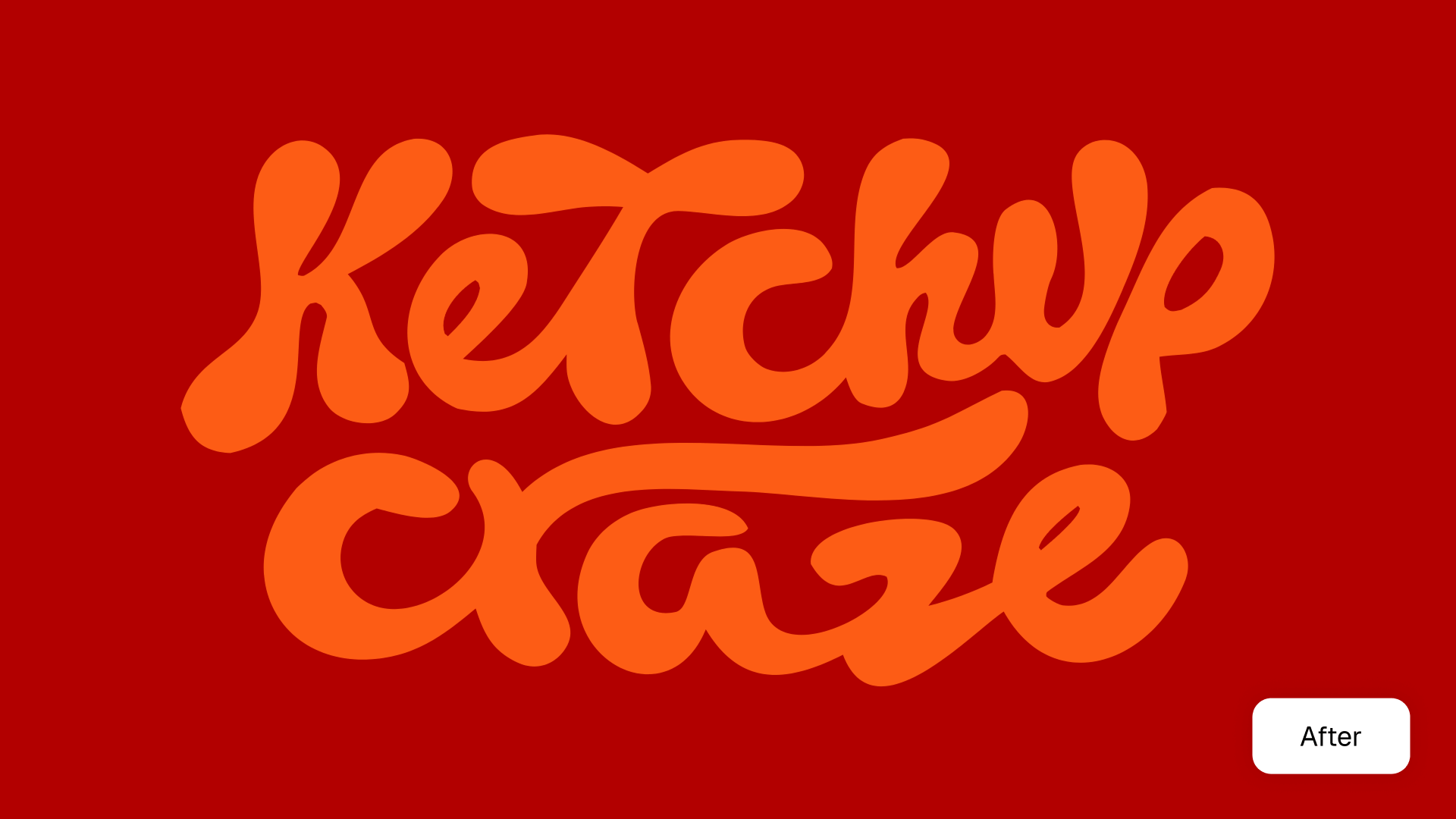


Click the “Upload image” button or drag and drop your file directly onto the canvas.

Click "Vectorize" and get your SVG image.
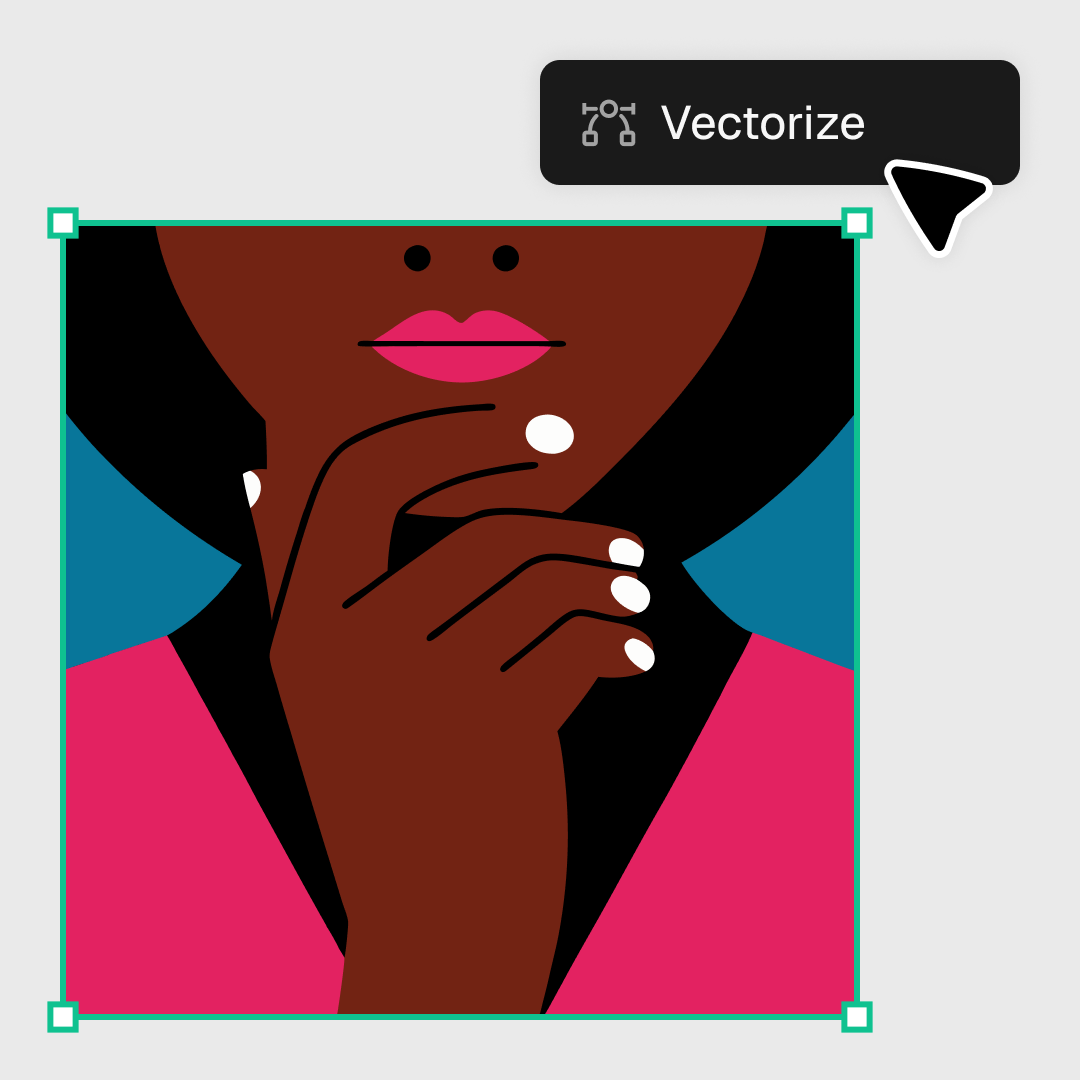
When your vector file is ready, set the file resolution and export as SVG.
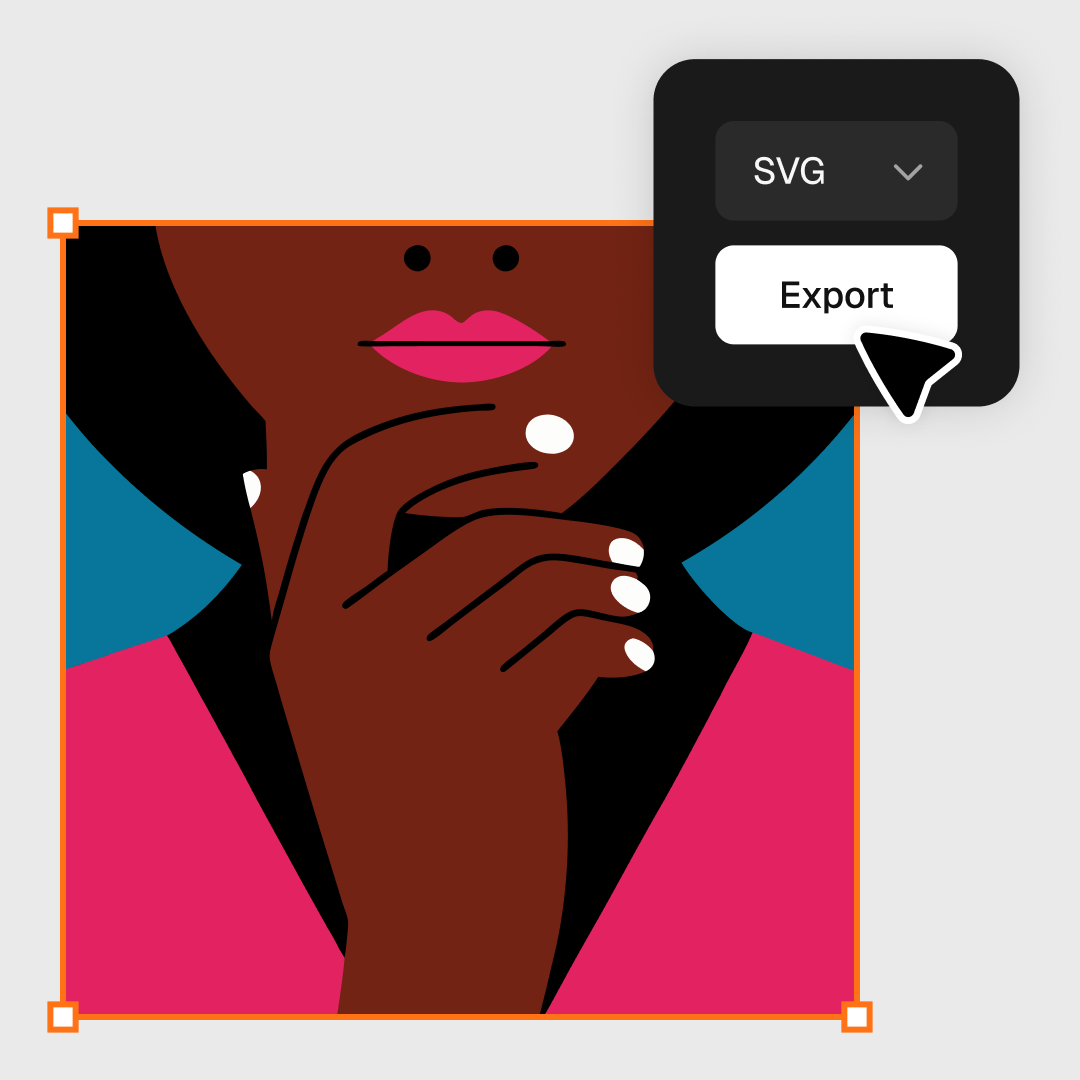
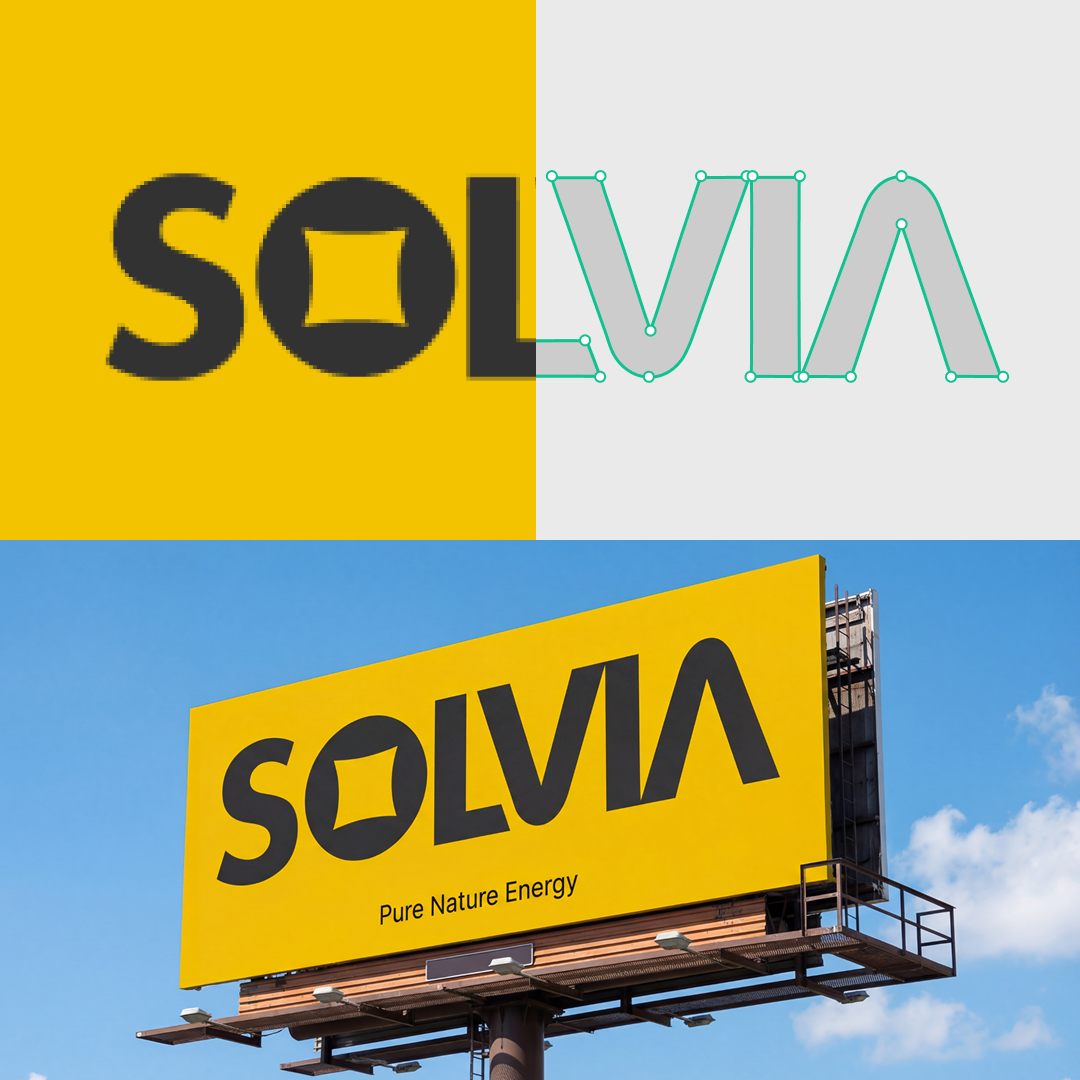
Scalable Vector Graphics (SVG) is a flexible, web-friendly file that can be infinitely scalable. This means you can resize your SVG and not worry about resolution loss.
Vector files are great if you need to optimize the size of your graphics or adapt designs like logos or infographics for large-scale printing requirements.
The SVG converter is available in Recraft Studio and via Recraft API.
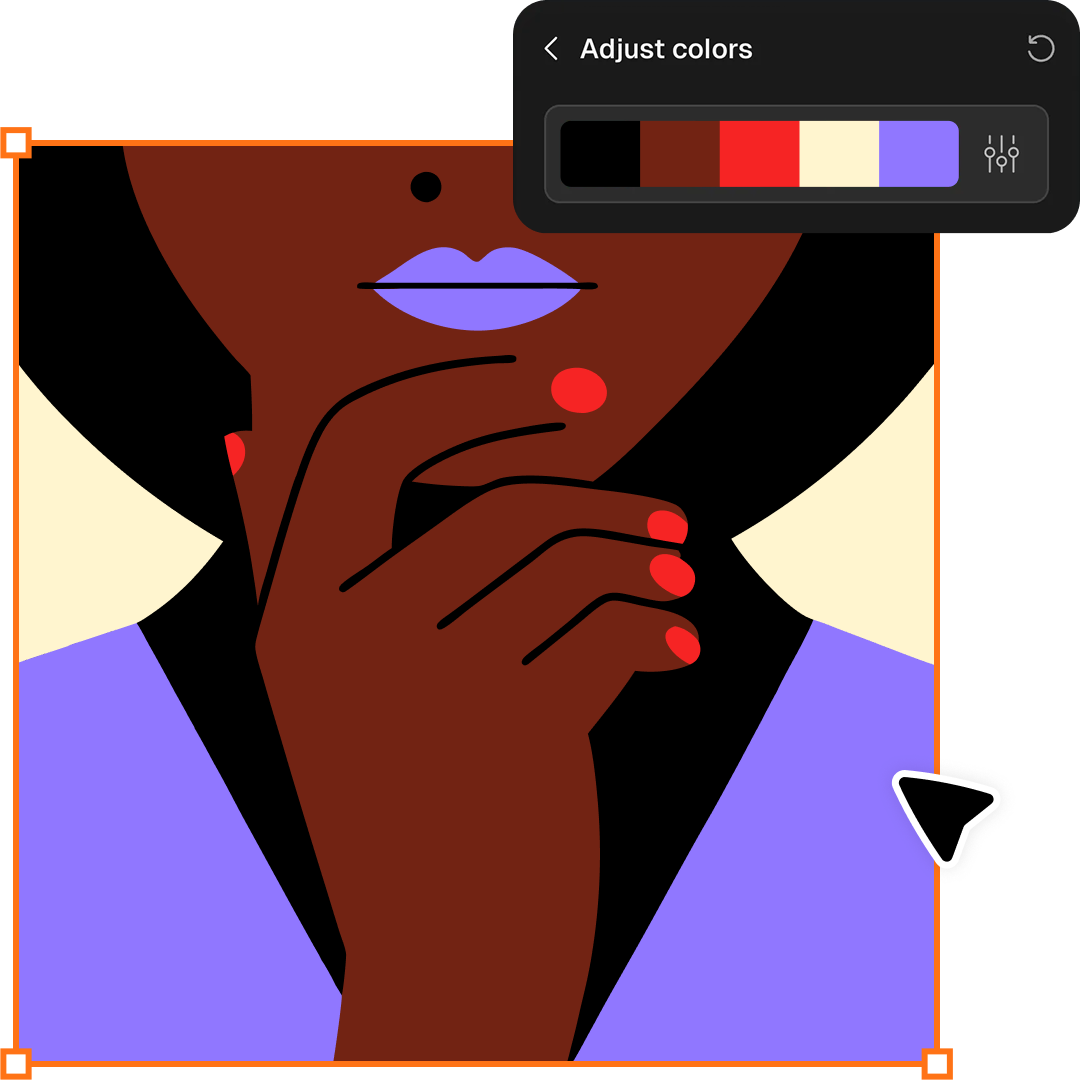
Another advantage of vector images is that they offer more detailed color control. Using the Adjust colors feature, you can reduce color count to simplify the image or recolor the SVG file by applying color palettes.

Beyond vectorizing raster images, you can use the AI Vector Generator to create vector graphics from scratch.
Describe your idea in words, and Recraft’s advanced vector generator will produce ready-to-use SVG files in seconds. It's perfect for creating logos, icons, illustrations, brand elements, UI assets, and decorative graphics in a clean, scalable vector format.
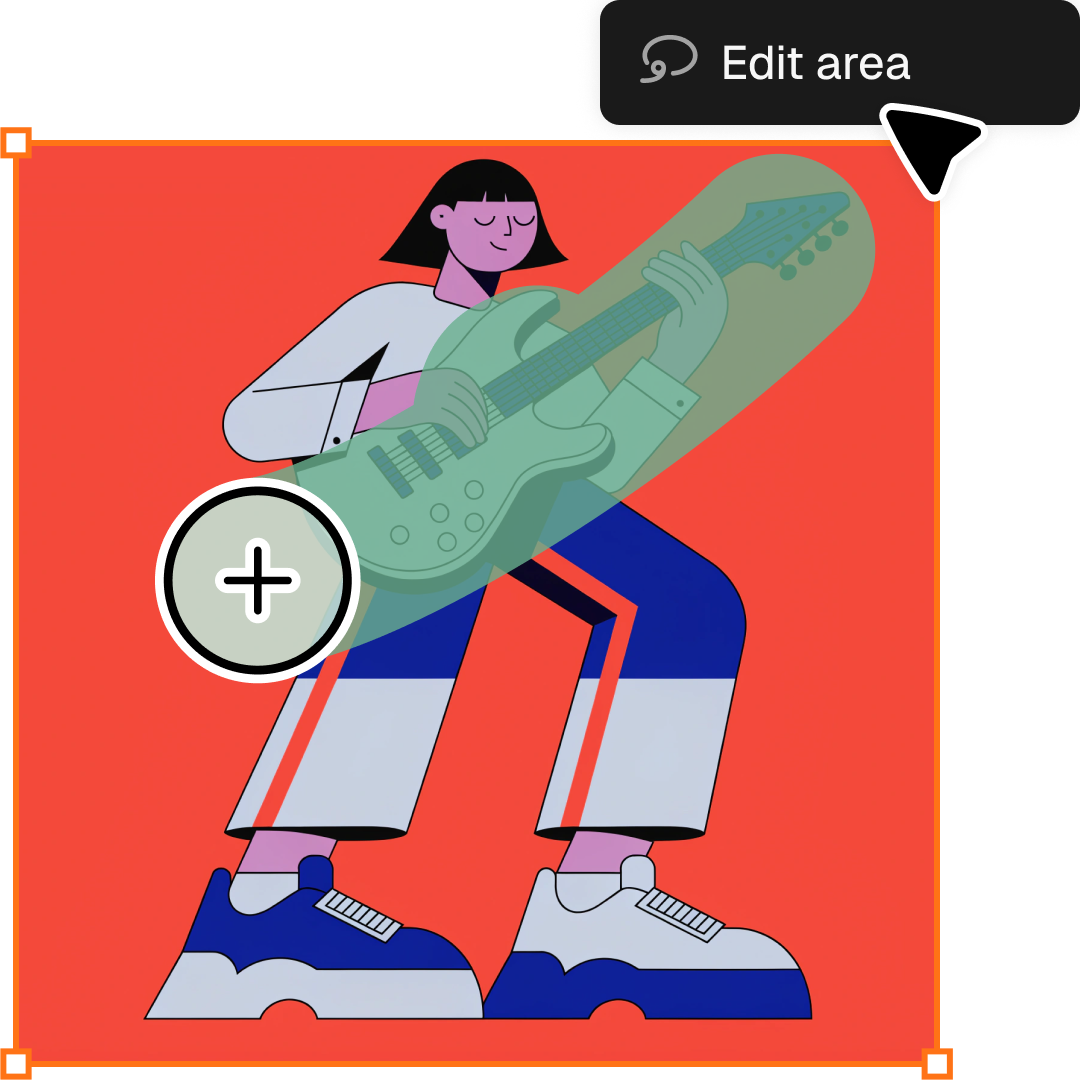
Clean up your raster before vectorizing, or refine the result once it's an SVG. Recraft's AI editing tools handle background removal, area-specific edits, and prompt-based changes — all on the same canvas.

Convert raster images to clean, editable SVGs right inside Figma, Framer, Google Docs, and Chrome. Recraft's integrations bring the SVG Converter to the tools you already work in — drop in a file, get back a scalable vector, no exporting required.
.png)
Vectorize PNG images into crisp, editable SVG graphics.
Turn pixel images into crisp, scalable vector graphics.
Vectorize WebP images into scalable SVG graphics.
Animate your PNG files into lightweight Lottie animations.
Transform images into lightweight Lottie animations.
Transform WebP visuals into smooth, animated Lottie files.
All tools that you need for a perfect design, in one place

Skip the raster step entirely. Generate clean, scalable SVGs directly from a text prompt — no conversion required.

Beyond SVG, switch between JPG, PNG, PDF, TIFF, and Lottie with the Format Converter — same workspace, every format.

Refine the raster before vectorizing, or edit the result after. The AI Image Editor handles backgrounds, area edits, and prompt-based changes on the same canvas.

Remove unwanted backgrounds instantly while keeping edges clean and natural.
The best AI image generator on the market right now.

Tomas Laurinavicius,
Founder, Marketer, Designer & Writer
Very handy in my work. Enjoy creating illustrations with Recraft. Really love speed and the results. Highly recommend!
.jpg)
Alexander Karavaev,
Designer
Recraft is absolutely amazing when it comes to vector image generation. The UI is really polished and pretty intuitive and tutorials are also provided on the platform.
.jpg)
Daniele Manca,
Front End Engineer
I was impressed by all the styles available in Recraft, especially the creation of seamless patterns feature.

Daniela Muntyan,
Product Designer at Craft
If d5flat zip new were a real tool, typical requirements might include:
The developers of d5flat (the Meridian Collective) have already published a roadmap for 2026. The "new" standard is technically version 3.0. Version 4.0, codenamed "Flat Quantum," aims to introduce homomorphic compression—the ability to search a d5flat archive for specific strings without ever decompressing it.
Until then, d5flat zip new represents the most significant leap in entropy encoding for structured text since the introduction of PAQ.
Because the container is zip-compatible, you can use standard tools:
unzip archive.d5z -d output_folder
However, to restore the enhanced speed and delta metadata:
d5flat extract --fast archive.d5z ./output
brew tap d5flat/core brew install d5flat
If your workflow involves large volumes of repetitive, structured text data (logs, CSVs, JSON, XML, database dumps, source code repositories), the d5flat zip new standard is not just an incremental upgrade—it is a paradigm shift.
Download the CLI tools today. Run d5flat benchmark against your current zip files. The numbers will speak for themselves.
Ready to compress the future? The flat data revolution is here, and it is new.
In professional design and data management, this "d5flat zip new" concept represents three major pillars of modern efficiency:
D5 Render (Real-Time Visualization): D5 Render has revolutionized architectural visualization by offering real-time ray tracing. It allows designers to see high-fidelity materials and lighting instantly, cutting down rendering times from hours to seconds.
Flatfile (Data Onboarding): The "flat" component often relates to Flatfile, a platform that automates the cleaning and migration of data. This is crucial for managing complex project metadata, shipping codes, or asset lists that need to be "flattened" and validated before use in a render engine or database.
The "ZIP" Standard: As project files grow, the ZIP format remains the backbone of data exchange. New versions of the ZIP specification support 64-bit extensions, allowing for massive archives (over 4GB) that are necessary for detailed 3D scenes and their associated 4K textures. Why This Matters for Professionals
Speed: Real-time rendering with D5 means faster feedback loops with clients.
Accuracy: Using data preparation tools like Flatfile ensures that the metadata attached to 3D assets (like SKU numbers or costs) is error-free.
Portability: Compressing these complex assets into a modern ZIP archive makes them easy to transfer and store without losing data integrity. Preservation and Longevity
For long-term projects, digital preservation is key. Organizations like the Library of Congress and the National Archives (NARA) monitor these file formats to ensure that the work created today—whether it's a 3D render or a flattened data file—remains accessible and usable decades from now.
In the dimly lit basement of the National Archives, Elias found the file that shouldn't exist: d5flat_zip_new.sys
The name was a mess of technician shorthand—the kind of "temporary" label that becomes permanent through neglect. But as the progress bar crawled across his screen, Elias realized this wasn't a standard compression. It was a D5-class flat-file d5flat zip new
, a relic of the mid-90s "Project Deep Five" that supposedly never made it past the whiteboard. The Extraction
The "flat" designation was the warning. Most files have a hierarchy; they have a front door and a hallway. A flat-file is a single, endless floor—no rooms, no walls, just a data-stream. When Elias finally triggered the command, the terminal didn't just display text. It bled.
Coordinates for defunct satellites began scrolling in neon green. They weren't just positions; they were adjustments
. The file contained logs of every time a satellite had been nudged six inches to the left to hide something on the ground. The "New" Variable As Elias reached the end of the string, the timestamps shifted from 1996 to
The "new" wasn't a version update. It was a countdown. The flat-file was a script, a scheduled task waiting for the system clock to hit midnight. It was designed to "flatten" the very network it lived on—deleting the hierarchies of every government server in the hemisphere, leaving behind a single, unorganized plain of digital noise. The Last Command
Elias hovered his finger over the delete key. Outside, the city hummed, unaware that its entire digital architecture was about to be compressed into a single, flat line. He looked back at the screen. The d5flat_zip_new
file blinked, a cursor pulsing like a heartbeat. It wasn't waiting for him to stop it. It was waiting for him to hit , or should we explore the origins of Project Deep Five
The keyword "d5flat zip new" typically appears in technical or developmental contexts, often referring to specific directory structures, file versions, or software modules related to data flat-file processing and compression. While not a household consumer brand, it represents a specialized niche in data management and archive handling. Understanding D5flat Zip New
At its core, "d5flat" likely refers to a flat-file data structure or a specific software version (version 5) designed for "flat" data—information that is stored in a plain text or binary format without complex structural relationships, such as CSVs or simple logs.
The addition of "zip" and "new" suggests a recent update or a specific implementation for compressed archives. In modern computing environments, "zip new" usually denotes the creation of a fresh, optimized archive or the deployment of a new compression algorithm within an existing software ecosystem. Key Features of D5flat Systems
Modern data processing tools that utilize flat-file compression often focus on several critical performance areas:
High Compression Ratios: Utilizing algorithms that identify redundant code to minimize file size, similar to industry standards like AES-encrypted ZIP or RAR archives.
Data Integrity and Recovery: New versions often include "recovery record" features, allowing users to repair damaged archives and restore data even from partially corrupted files.
Unicode Support: Ensuring that filenames across different languages and character sets are preserved accurately within the "new" ZIP structure.
Integrated Workflow: Many "d5" or version 5 software updates focus on deeper integration with system explorers (like Windows Explorer) to allow for faster right-click archiving and extraction. Potential Contexts for the Keyword
Depending on the specific field, "d5flat zip new" may be encountered in:
Software Development: As a folder name or directory within a project repository (e.g., a "new" build of a "d5flat" module).
Database Management: Tools designed to export large databases into flat, compressed files for easier migration or backup. If d5flat zip new were a real tool,
Data Analysis: Systems like the Barcode of Life Data Systems (BOLD) , which recently updated to version 5 (BOLD5), frequently handle large datasets that require flat-file compression for efficient global sharing. How to Use New Compression Modules
When working with updated ZIP modules like those implied by "d5flat zip new," users typically follow these steps:
Selection: Identify the flat data files (text, logs, or raw data) intended for archiving.
Optimization: Check for "solid format" options, which can significantly increase the compression ratio for groups of similar small files.
Security: Implement AES encryption if the flat files contain sensitive information, a common feature in updated compression tools.
For more specific information on file compression techniques, you can explore the Baiduwiki guide on file compression software . File compression software_Baiduwiki
There is no need to worry about this because, for compression software, the term "data compression" in a file is the same as "@#¥% 百度百科 BOLD – The Barcode of Life Data Systems
There is no widely recognized technical or public topic specifically named " d5flat zip new
" in standard software documentation or common online repositories.
The terms within your query most likely refer to a specific, potentially private, or niche data archive:
: This often refers to a "flat" data format (records without a hierarchical structure) associated with a version database or system. For instance, the Barcode of Life Data System (BOLD) recently introduced
, which includes a revamped data model for species identification. : This is a standard lossless compression format
used to bundle multiple files and metadata into a single archive.
: Likely indicates a recent update, a "fresh" export, or a newly released version of a specific dataset. Potential Contexts
If you are working in a specific field, this file might be one of the following: Database Exports
: A "flat-file" export from a version 5 database (like BOLD5 or a proprietary SQL system) where all data is organized into a single table. Development Builds
: A zipped archive containing a "flat" directory structure for a new software deployment or a version 5 update of a specific tool. Academic/Research Data
: A standardized data package (e.g., DNA sequence matching) recently updated and distributed as a zip file. Could you provide more context? The developers of d5flat (the Meridian Collective) have
Knowing if this relates to a specific software (like BOLD, a CRM, or a coding project) would help in providing a more accurate write-up. Plaky — Project Management - Apps on Google Play
This informative post covers the Alphacool Rise Flat Reservoir D5, a sleek and space-saving solution for modern PC water-cooling enthusiasts.
The "D5 Flat" is a specialized reservoir designed to integrate high-performance D5 pumps into a slim, "flat" form factor. This makes it ideal for compact cases or "sandwich" layouts where space is limited but maximum flow rate is required. Overview: Alphacool Rise Flat Reservoir D5
The Alphacool Rise Flat series is engineered for builders who want the reliability of a D5 pump without the bulk of a traditional cylindrical reservoir. It is frequently available through specialist retailers like Performance-PCs. Feature Description Form Factor Slim, rectangular flat reservoir Pump Support Native support for industry-standard D5 pumps Lighting
Integrated D-RGB (Axiom/Quantum series) for customizable aesthetics Compatibility Mounts directly to 120mm or 140mm fan locations Key Technical Benefits
Space Optimization: Its flat profile allows it to fit in narrow spaces between the chassis and the side panel, or directly onto a radiator.
Versatile Ports: Typically features multiple G1/4" inlets and outlets, allowing for complex loop routing with minimal tubing.
Build Quality: Most models use high-quality Plexi (acrylic) or Acetal, allowing you to see the coolant flow and enhancing the RGB lighting effects. Installation & Troubleshooting Tips
When working with these specialized .zip files (which often contain manual PDFs, firmware, or 3D mounting templates):
File Format Checks: If you are uploading technical specs or manuals to platforms like KDP, ensure your ZIP only contains supported formats like HTML or images to avoid common upload errors.
Pump Mounting: Ensure the O-ring is properly seated before tightening the D5 pump ring. A "flat" reservoir has a different pressure distribution than a cylinder, so even torque is essential to prevent leaks.
Bleeding the Loop: Flat reservoirs can sometimes trap air in the corners. Tilt your case gently while the pump is running at a low speed to move air bubbles toward the fill port. If you'd like, I can help you with more specific details:
Do you need a step-by-step guide on how to install the D5 pump into the flat reservoir? Alphacool Rise Flat Reservoir D5 - Performance-PCs.com
It has maximum versatility with enough inlet and outlet ports for many different loop routes. Performance-PCs.com Assistance Required with ZIP File Upload Error on KDP
The "new" update introduces IZI. When compressing a folder, the tool identifies files that will never change (like a Windows DLL or a base image) and locks their compression dictionary. For incremental backups using the new format, you only store the difference (delta) between the base file and the new version, even if the files are not named sequentially.
If d5flat zip new refers to creating ZIP files, here’s a standard workflow:
Save ZIP Archive
Specify the output directory and filename (e.g., archive.zip).
winget install d5flat.d5flat-cli


A surreal, highly detailed macro scene inside a giant chocolate-glazed donut with colorful frosting. Tiny factory workers in bright uniforms and hard hats are operating a whimsical sprinkle production line. Conveyor belts carry multicolored sprinkles; some workers are painting them by hand, others are loading them into sugar barrels. A sprinkle chute pours a rainbow stream onto the glaze. Overhead lights hang from melted icing like chandeliers. The mood is playful, colorful, and imaginative, with warm lighting, saturated candy tones, and soft depth of field. Background is blurred pastry shop tiles in pastel pink and yellow